 Flapful
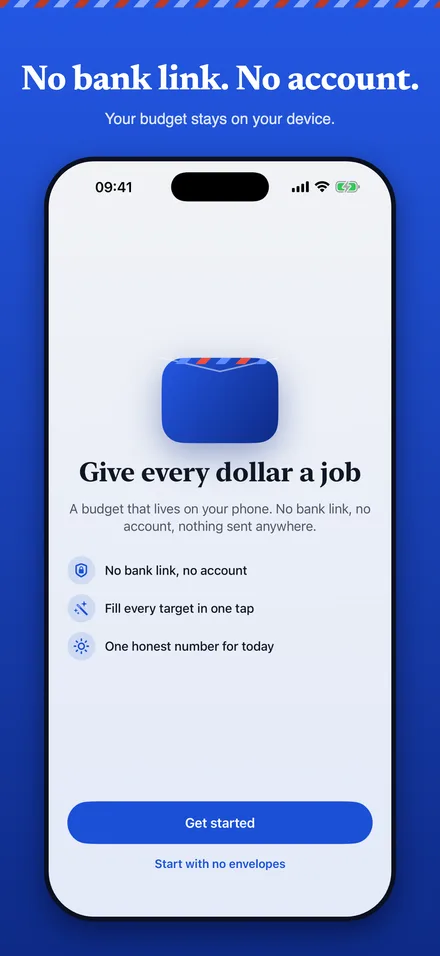
Give every dollar a job
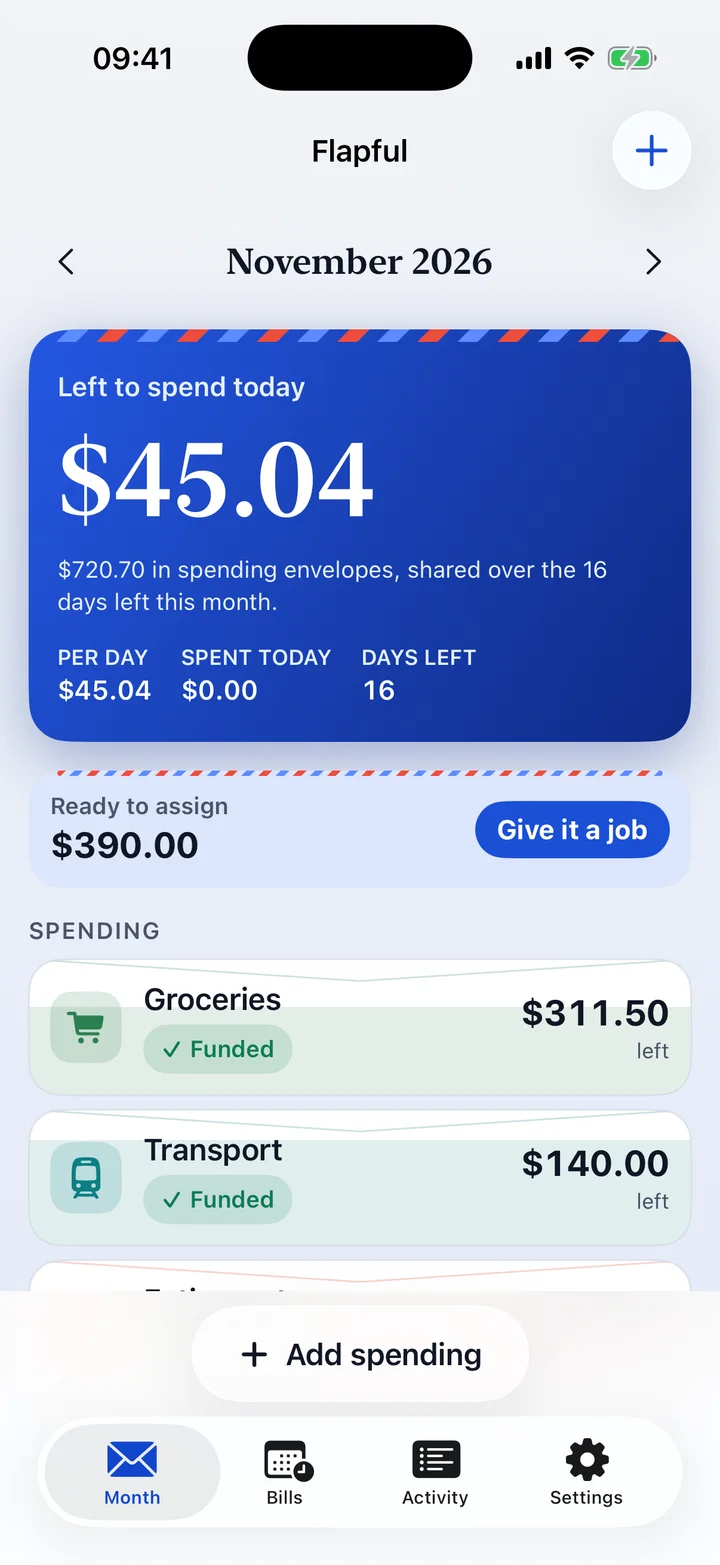
Add your income. The Ready to assign card shows what has no home yet. Fill all targets in one tap, or set each envelope by hand.
Envelope budget for iPhone
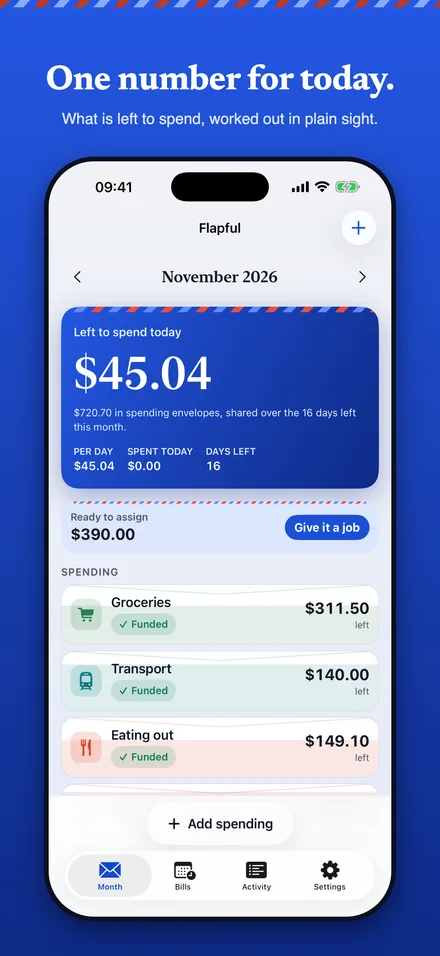
Split your income into envelopes. Flapful shows what is left to spend today, worked out in plain sight, and keeps every figure on your phone.
How it works
The envelope method is old and simple. Flapful removes the cash, the arithmetic and the guilt, and keeps the idea.
Add your income. The Ready to assign card shows what has no home yet. Fill all targets in one tap, or set each envelope by hand.
Type the amount, tap an envelope chip. The last envelope you used is remembered, and every change has an Undo.
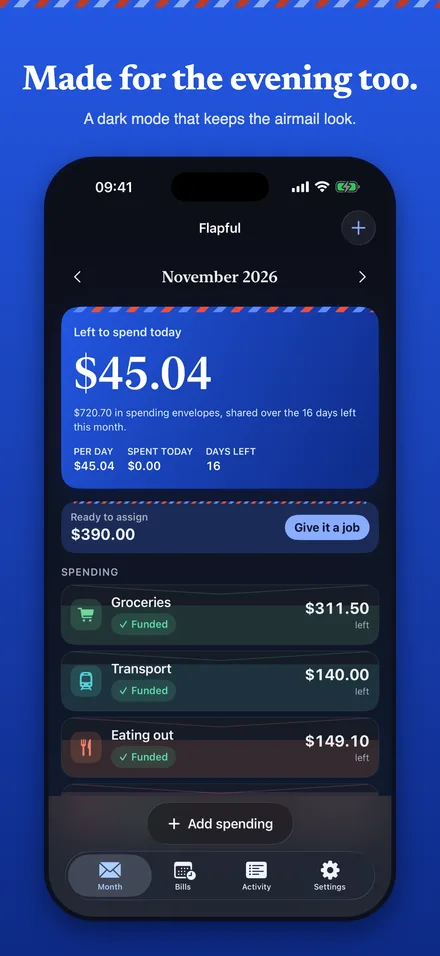
Your spending envelopes, shared evenly over the days left. Spend more today and tomorrow's share stays put, because today's money is counted from the start of the day.
Try the number
This is the same calculation the app uses. Change a figure and watch the number move. Nothing you type here leaves your browser.
Left to spend today
$45.04
$720.70 shared over the 16 days left.
What is inside
Only spending envelopes count. Bills and savings are already spoken for, and the number never goes negative: when you overspend, it says so in words.
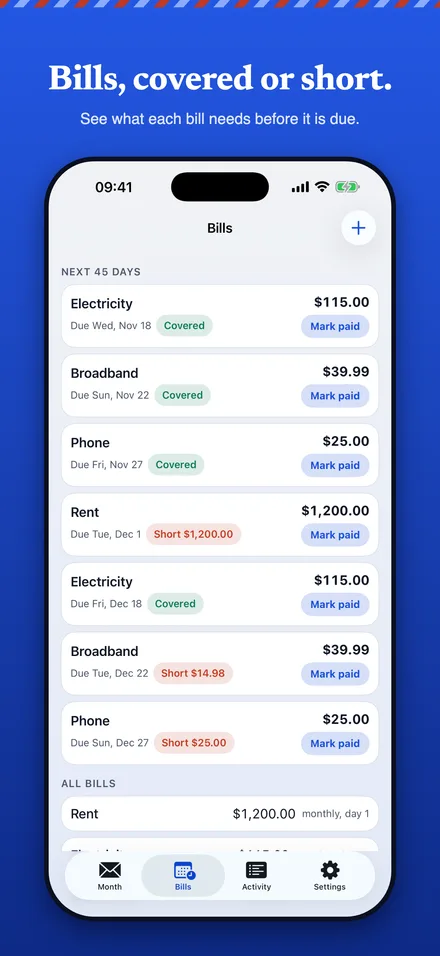
See what each bill needs before it is due.
Money with no job yet sits in one card, with a button to give it one.
Keep an envelope's balance next month, or reset it to the pool. Pro adds reset.
Today's number on your Home Screen, with a lock and a privacy cover in the app switcher. The widget is part of Pro.
In the app
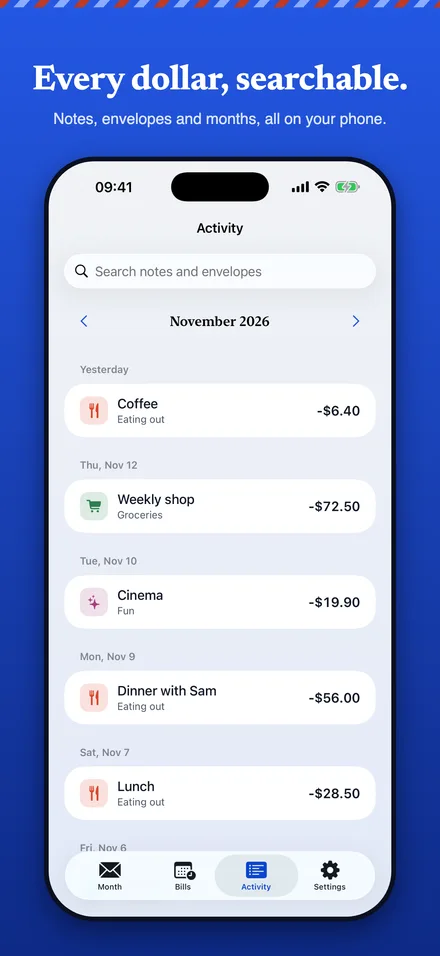
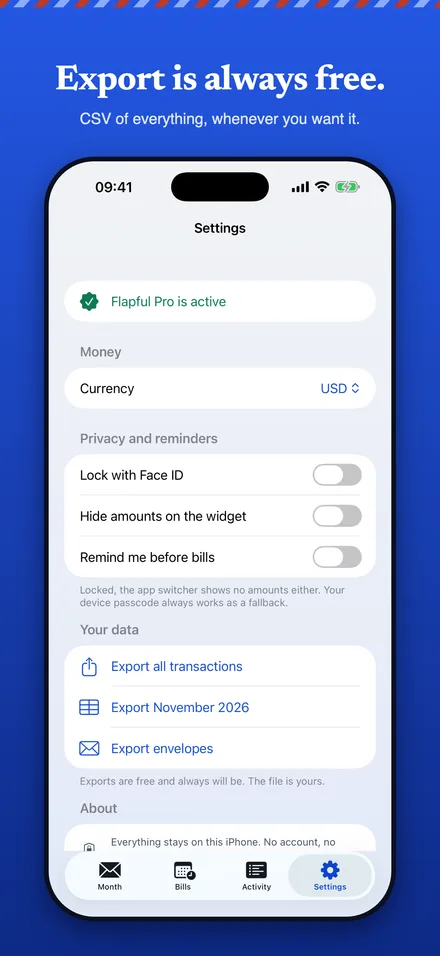
These are the App Store screenshots, taken from the app itself.
An honest comparison
Neither approach is wrong. Pick the one that fits how you like to work.
| Flapful | Bank-linked budget apps | |
|---|---|---|
| Setup | Open it and start. No sign-up. | Usually an account, and a connection to each bank. |
| Where the budget lives | On your iPhone only. | On the provider's servers. |
| Adding spending | By hand, in two taps. | Imported automatically, then sorted by you. |
| Your data on the way out | CSV export, always free. | Varies by app and plan. |
| Syncing across devices | Not in this version. | Usually included. |
Private by construction
Flapful has no accounts and no servers for your budget. Here is what that means in practice.
Pricing
The free version is a real budget, not a demo. Pro is for people with more than 8 envelopes or recurring bills.
$0
No trial clock
$19.99 a year
Cancel any time in Apple's subscription settings
$44.99 once
One purchase, no subscription
Questions
Yes, with up to 8 envelopes, quick add, the month view and CSV export. Flapful Pro adds unlimited envelopes, bills, the Home Screen widget and reset rollover. It costs $19.99 a year with a 7-day free trial, or $44.99 once.
No. You enter what you earn and what you spend. There is no bank link and no account, so there is nothing to connect and nothing to leak. The trade-off is that you add spending yourself, which takes two taps.
On your iPhone, in the app's own protected storage. Flapful has no servers for your budget and no analytics. You can export everything as CSV at any time, for free.
Flapful adds up the money left in your spending envelopes, as it stood when today began, and divides it evenly over the days left in the month, rounding down to the cent. Bills and savings envelopes are left out because they are already spoken for. You can try the same arithmetic on the calculator page.
You split your money into named pots, such as groceries or rent, and spend each category only from its own pot. Flapful keeps the pots on your phone instead of in paper envelopes. Read the guide.
Not in this first version. Your budget lives on one iPhone. Export a CSV whenever you want your own copy.
Yes. Turn on the Face ID lock in Settings. Your device passcode always works as a fallback, and the app switcher shows no amounts while the app is locked.
No. It is a budgeting tool that does arithmetic on the numbers you enter.
Flapful is for iPhone. Leave your email and we will send one message on launch day.